

5 Tips To Streamline Your Costco Shopping Experience
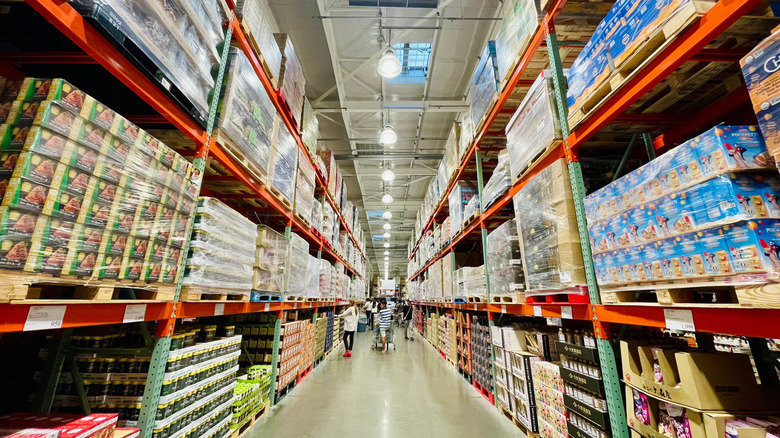
Going to Costco is often an adventure. How could it not be when the store sells everything from small kitchen appliances to cupboard essentials as well as some of the best cheese-case finds you're likely to encounter in a chain grocery store. Sometimes, though, a visit to a Costco warehouse is too much of an adventure. With huge parking lots, regularly rearranged layouts, changing seasonal stock, and sky-high popularity to contend with, you need a plan if you want to get through a Costco store fast.
This is something the brand understands. There are well-received changes made to how Costco warehouses work implemented pretty regularly, with a recent focus on shopper flow and technological integration. But change also means updating that plan of attack for the big Costco shop. That's where we come in. It's literally our job to keep up on how to make the best of your local Costco. That's why we've put together these up-to-the-minute tips and tricks that should take your warehouse store experience from an overcrowded, multi-hour nightmare to a streamlined, in-and-out errand that might even be enjoyable. Just remember to get the hot dog deal before you shop if you're going in hungry. Even a nippy 30 minute grocery trip can feel like "The Odyssey" if your tummy's grumbling (either undertaking the decades-long journey in the Greek classic or sitting through Christopher Nolan's epic, depending on who you ask).
Check that your local store has everything you need before you go
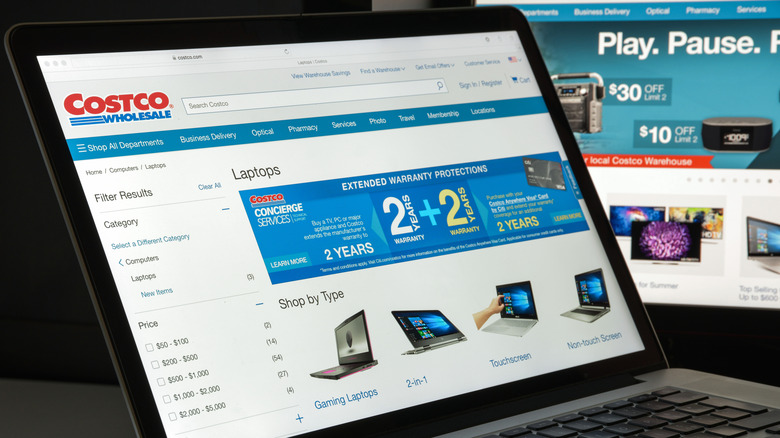
Due to limited-time offers, sell-out deals, and a unique regional buying structure, you won't always find the same items you see going viral online at your local Costco. Sometimes you won't even find the same items as last week! Avoid disappointment and wasted time searching for things that aren't there by checking warehouse stock before you shop.
You can check stock via the warehouse tab on the app or by asking about inventory in the online chat on Costco's website. Make sure you're looking at the correct warehouse when you do this, and be aware of low stock items. According to Reddit, there's a slightly longer update lag for online inventory than the 30 minutes Costco claims. This means an item that was low an hour and a half ago could be sold out now and labelled incorrectly.
As the online inventory tools allow you to check multiple Costco warehouses quickly, it's a great option if you're choosing between stores. For the most accurate info, consider calling your local store and talking directly to a Costco employee. You'll need to know the product's name and ideally product number no matter which method you use, but a little bit of preparation before you leave the house will make your Costco trip smoother and quicker overall.
Make smart choices in the Costco parking lot
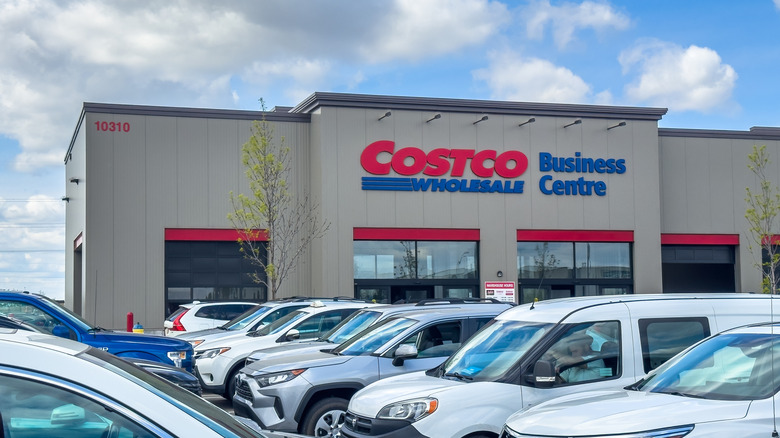
Costco parking lots are big. They're supposed to be. The theory is that wide driving areas, large parking spaces, and double-lined borders between spots all make parking easier. This, in turn, is supposed to make people park faster.
If you've been to a Costco on a busy Sunday, you'll know this bit of shopping psychology doesn't always equate to a seamless parking experience. This could be due to human nature's unknowable depths or it might be because the generous spacing makes Costco parking lots so large that customers imagine dragging their huge bulk-buy haul to the trunk will be a Herculean task. It won't be, though. There are carts. So, let Costco's psychological manipulation work on you and park in the first spot you see. You'll waste way more time looking for the perfect place to park than you will walking to the car later on. And even if schlepping to the back edge of the parking lot is annoying, the shopping will be done. Better to end a grocery run irritated than start one like that.
That being said, try to remember where you park. Many Costco lots don't have a clear labeling system so it can be easy to lose your car. Honestly, my local Costco does have letters to denote sections and I still manage to forget where I parked pretty regularly. Be better than I am and take a photo or something.
Time your visit carefully
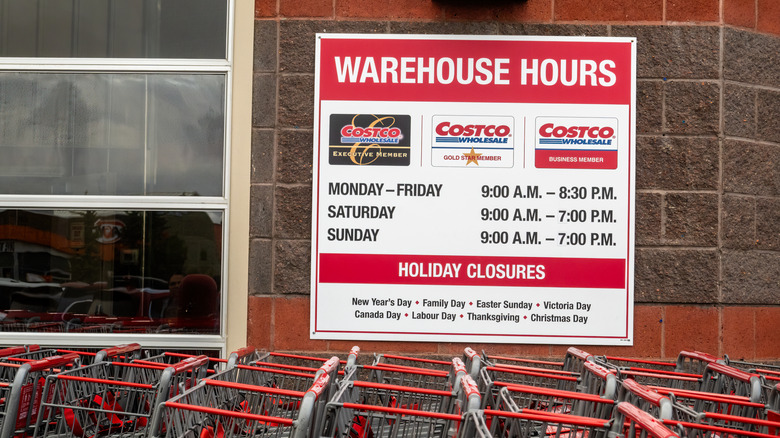
There are good and bad times to shop at Costco. Sometimes you can't avoid a weekend visit — life happens, after all — but most Costco customers agree this is hands down the worst time to shop at the warehouse store. If you have to go on the weekend, shop around for a quiet store if multiple are accessible. One Redditor noted that not all Costco locations have the same patterns, saying, "The main one I go to is dead on weekend mornings meanwhile the other one I go to is a madhouse unless you go 15 minutes before opening any given day of the week." If you want to know more about when best to shop at a specific Costco, you have options. You can either call the store and ask or check the charts on Google maps that estimate how busy listed businesses are on average throughout week.
Broadly speaking, the quietest times tend to be midweek during the work day. There may be outliers, but most warehouses are relatively quiet Tuesday to Thursday. If you're a premium member, exclusive early morning hours are likely the best time to beat the crowds. Otherwise, mid-afternoon is a good choice if you can swing it, as is the hour before the store closes. But the volume of shoppers isn't the only factor to consider when making your Costco schedule. Warehouses tend to be picked over right after the weekend. Restocking happens throughout the week, but a big chunk occurs on Mondays and Tuesdays. In other words, the best time to visit Costco if you want full shelves and low traffic is Tuesday.
Take advantage of the pre-scan system and the Costco app's wallet
When it comes to automating the checkout process, Costco does things a bit differently from most stores. One of the big changes Costco made in 2026 was the roll out of pre-scan, a system where staff scan membership cards and items while customers wait in line. When shoppers reach the cash register, their membership cards are scanned again but all there is left to do is pay.
This is part of a campaign from Costco leadership to streamline the shopping experience and modernize the warehouse store through technology. If you want to make the checkout experience even quicker, you can add your credit or debit card to your digital wallet in the Costco app, which has itself seen quite a few improvements as part of the modernization push. You don't have to have the Costco app to use pre-scan but downloading it is a good idea if you're keen to keep up with everything the brand is doing to make shopping here easier.
If they're being piloted in your area, use an automated pay station
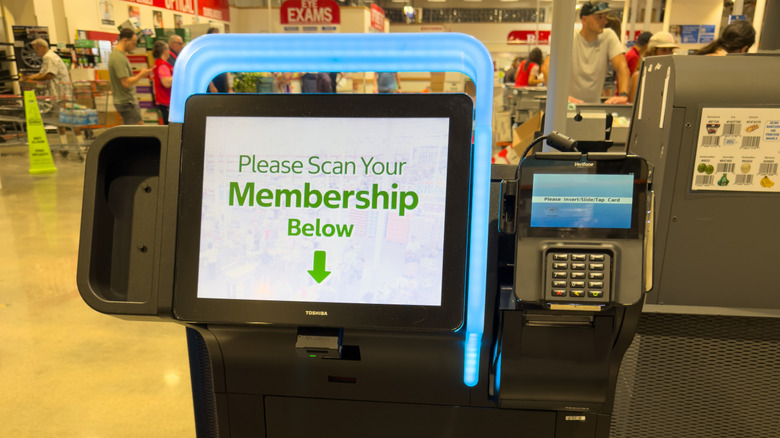
Costco is continuing to experiment with tech to streamline shopper flow and speed up the checkout experience. Although they're not available everywhere yet, Costco fans on Instagram are beginning to post about the brand's new automated pay stations. These self-checkout stations are an addition to the existing pre-scan system. If you choose an automated lane, you'll still get all your items scanned by an employee while you wait but you'll scan your Costco card and provide payment to a self-service kiosk rather than a regular cashier.
Costco CFO Garry Millerchip discussed the new system during a recent earnings call (via The Street) where he mentioned the automated pay stations are currently in the pilot stage. Things sound like they're going well, though. Millerchip noted that checkout time is down to an average of eight seconds for shoppers using the machines, saying, "Early results show this is improving the flow of traffic, and we have received great member feedback."