

The One Thing Your DoorDash Driver Wishes You Would Double Check Before Ordering
Let's say you're expecting your DoorDash delivery at any moment. Your phone dings, saying it's been dropped off, but when you open the door, nothing's there! Before you get mad at your Dasher, check your app to see where DoorDash actually sent them. Chances are, your delivery driver has been on a wild goose chase because your location is wrong. This has been a major issue for years, and while it's definitely frustrating for customers, it's perhaps more so for drivers.
Whether it's the customer's error or a common app bug, this occurrence can have big consequences. Something DoorDash drivers wish customers knew is that missing deliveries and complaints can turn into contract violations, which can lead to termination. One driver on Reddit who suffered an incorrect address problem explained, "So with me having two contract violations now, I'm nervous to even keep dashing because I know if I get a third one, it's game over." Another warned that people with regularly problematic addresses may also struggle, saying, " ... it might get to a point where a previous driver may see your address and cancel, and they have to reassign drivers, and it'll take forever for you to get your food."
While this has caused some drivers to swear off DoorDash, others still rely on it for income. DoorDash has previously warned customers that drivers pick their own assignments, so any customers who experience this often should also want it fixed. Some drivers simply ask that customers double-check their location before ordering, preventing user error or tech issues from the start. However, if you notice your location keeps having issues, you might not know what to do.
How to fix this DoorDash problem
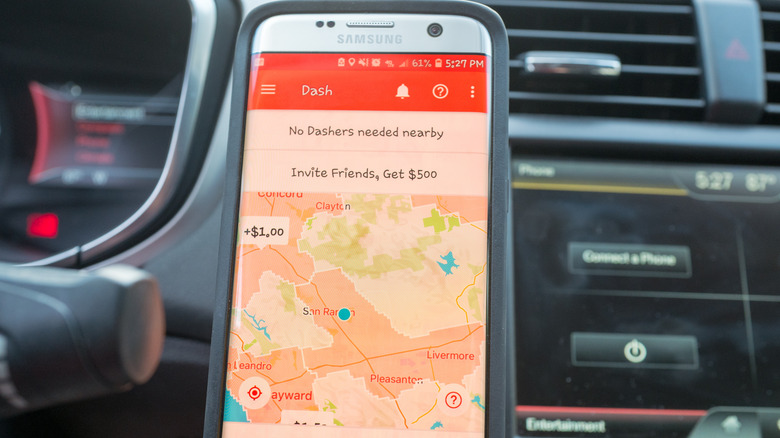
You shouldn't feel guilty for ordering delivery, and luckily, there are a few things you can do to save your drivers some stress. Drivers note that DoorDash uses Google Maps for navigation. Check your address on Google Maps, and if you find that it's marked incorrectly, correct it. You should also check to see if DoorDash itself has added incorrect info, which happens with apartment complexes. If you're still having trouble within the app, contact customer support before ordering to get things sorted.
Another thing you can do is make sure the DoorDash app can accurately track your location. In your phone's settings, find the DoorDash app's permissions. Select the option that allows the app to always see your location. That way, when you order through your phone, it should be able to place a pin exactly where you are. You can also move the pin manually to your street in the app, but this may change the written address to an incorrect one.
If all else fails, leave a note for your Dasher attached to the order. If you double-check your address and either the pin or the address listed is incorrect, give them instructions on where they need to go. Type your exact address, as this should allow them to click on it and put it into a more accurate navigation app. You can also send a picture of the front of your home to make it even easier. This may sound like a lot of effort, but your driver wants to keep their job, and you want to fill your belly, so going the extra mile here is a win-win.