

The Microwave 'Secret Code' You Should Always Keep In Your Kitchen
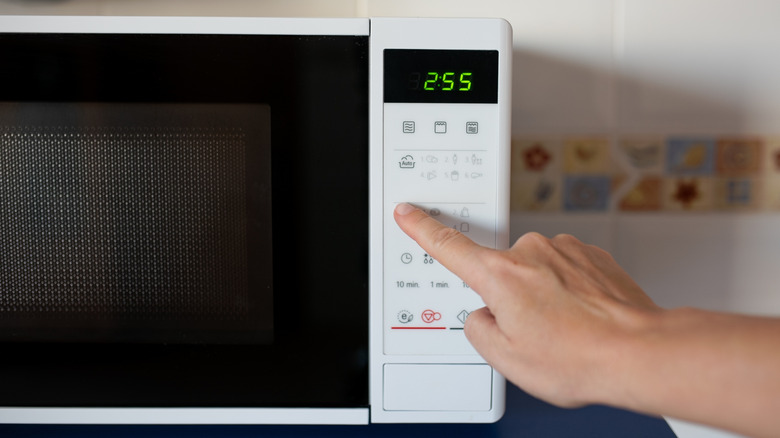
In a world where convenience is coveted, the microwave just might take first prize for greatest invention of all time. And while there's a good amount of buttons on the front of the appliance, it's usually easier to pop something inside and mash either a single number or the start button for a quick 30-second heat-up. Honestly, do you really need to mess with the power settings before microwaving food? Choosing convenience over learning the controls of what might be your most-used appliance does have its downside, though. If you go to zap some leftovers and find your microwave completely unresponsive, it might not be the end of its life. It's possible someone simply activated the child safety lock.
As of spring 2024, all microwaves were required to come standard with a door lock safety function. However, many older models already had similar functions built in. The door lock safety function prevents the microwave door from being opened during or after use unless a specific button is pressed. There's also the option to lock the control panel on a microwave to prevent any non-microwave-safe items from being heated, which could create a fire hazard. Different models may have different button codes for turning this feature on and off. For some, pressing the Clear/Off or Pause/Off buttons for three seconds will lock the display. If your microwave's display shows a small "L," the control panel is locked. On other models, locking the panel is done by pressing the numbers 5 and 7 at the same time and holding them for about three seconds.
The control panel lock might not be the reason your microwave isn't working
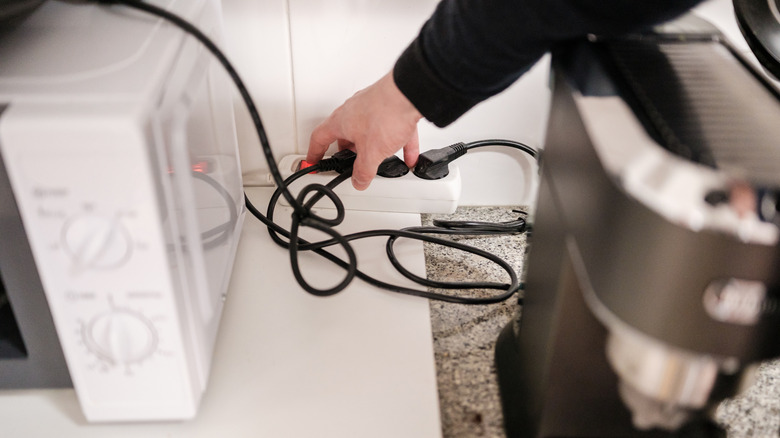
The control panel locking feature is certainly a microwave tip every home cook should know, and it's a great tool for avoiding many potential microwave disasters; however, it's not the only reason your microwave could be unresponsive. If your control panel isn't working and you've used the button combinations to check whether a safety lock is engaged, you may need to reset your microwave. It's important to note, though, that if your control panel is locked for safety reasons, not every model will go back to normal after a reset, so it's a good idea to keep the button combination handy to avoid locking yourself out of your own appliance.
The best method to reset your microwave is likely included in your user manual. If you don't have a physical copy of the manual, you can usually find it online by looking up the make and model. Aside from model-specific resets, you can also resort to the old faithful method of unplugging your microwave and plugging it back in after about 10 minutes or so. This will also reset the appliance and should fix any issues like the timer not working, the microwave not properly heating, or problems with the display's appearance.